 Daylet
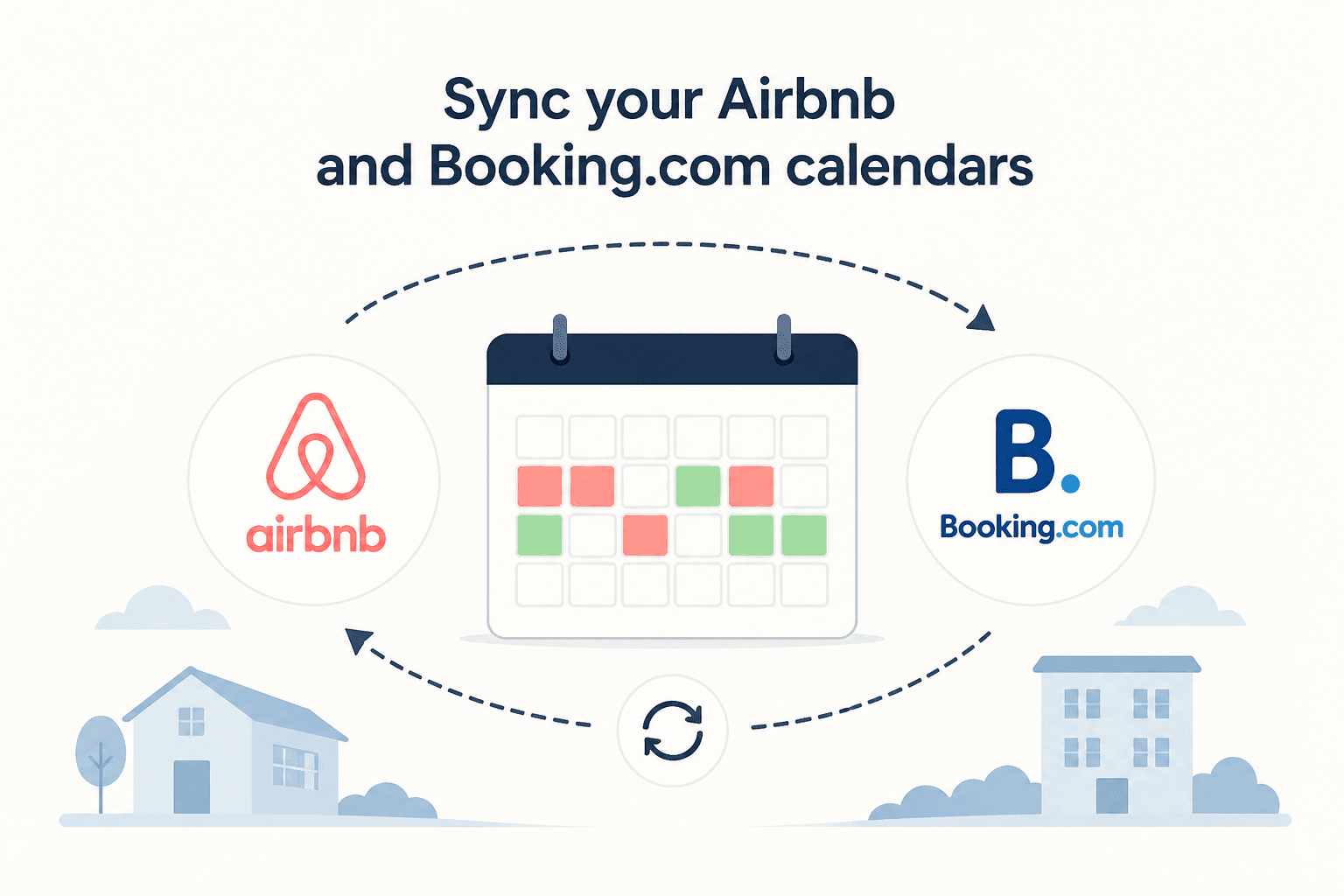
You've listed your holiday property on Airbnb. You've listed it on Booking.com. Now you need to make sure a guest who books on one platform doesn't accidentally get the same dates as a guest booking on the other.
That's calendar synchronisation — and getting it wrong means double bookings, last-minute cancellations, and very unhappy guests.
This guide covers everything independent property owners need to know: how iCal sync works, how to set it up step by step, what the limitations are, and what a smarter long-term setup looks like.
Why Calendar Sync Matters More Than You Think
Most property owners discover the importance of calendar sync the hard way — by getting a booking on Booking.com for dates they already have a guest arriving from Airbnb.
At that point your options are grim: cancel one booking (which damages your ratings on the platform), or scramble to find alternative accommodation for the guest at your own cost.
This is not a rare edge case. It happens regularly to owners who list on multiple platforms without proper synchronisation in place. And the bigger your calendar gap problem is — say, a 6-hour delay between a new booking and your other platforms updating — the more exposed you are.
The good news: there is a well-established method for syncing calendars across platforms. It is not perfect, but it works well when set up correctly.
How Calendar Sync Actually Works: iCal Explained
Almost every major booking platform — Airbnb, Booking.com, Vrbo, and others — supports iCal (also written as iCalendar or .ics).
iCal is an open standard for sharing calendar data. Each platform generates a unique URL for your property's calendar — a live feed of all your blocked and booked dates. You can copy that URL and paste it into another platform, which will then periodically fetch the calendar to stay updated.
Think of it like subscribing to a shared calendar. When you add an iCal link from Airbnb into Booking.com, Booking.com regularly checks that link and blocks the dates it finds there. When you add Booking.com's iCal link into Airbnb, the reverse happens.
The key things to understand:
- It is a pull system — each platform fetches updates on its own schedule
- It is not real-time — there is always a delay, typically 1 to 24 hours
- It is one-way per link — you need to add links in both directions
- Blocked dates travel across, but booking details (guest names, contact info) do not
iCal vs API: What's the Difference?
Before walking through setup, it is worth understanding why there are two different sync methods and what separates them.
iCal Sync
iCal works like a shared calendar feed. Your platform publishes a .ics URL containing your blocked dates. Other platforms subscribe to it and periodically fetch updates.
Pros:
- Supported by virtually every platform
- No technical integration required — just copy and paste URLs
- Free on most platforms
Cons:
- Not real-time — updates can take several hours
- Only shares availability data, not booking details
- Sync failures can occur silently if the URL becomes invalid
API Sync
Some channel managers connect directly to platform APIs, which allows real-time two-way data exchange. This is faster and more reliable, but it requires platform partnership agreements and is typically only available through paid channel management software.
Pros:
- Near real-time availability updates
- Can sync booking details, not just dates
- More reliable than iCal polling
Cons:
- Requires a channel manager subscription (additional monthly cost)
- Not all platforms offer open API access
- More complex to set up
For most independent owners with one or two properties, iCal is the right starting point. It is free, widely supported, and works well when properly configured. The rest of this guide focuses on iCal setup.
Step-by-Step: How to Sync Airbnb and Booking.com via iCal
The process requires adding links in both directions: Airbnb → Booking.com, and Booking.com → Airbnb. Here's how to do each.
Step 1: Export Your Airbnb Calendar (Get the iCal Link)
See our dedicated Airbnb iCal sync guide for a full walkthrough with screenshots and a video of this step.
- Log in to your Airbnb account and go to Calendar
- Select the property you want to sync
- Click Availability settings (or the settings icon depending on your view)
- Scroll down to Sync calendars
- Under Export calendar, copy the iCal URL (it will look like:
https://www.airbnb.co.uk/calendar/ical/XXXX.ics?s=YYYY)
Keep this URL — you'll paste it into Booking.com in the next step.
Step 2: Import Airbnb's Calendar into Booking.com
- Log in to your Booking.com Extranet
- Go to Calendar → Sync Calendars (or Availability → Sync)
- Click Add a calendar
- Paste the Airbnb iCal URL you copied
- Give it a name (e.g. "Airbnb Calendar")
- Save
Booking.com will now periodically fetch your Airbnb calendar and block any dates that are already booked there.
Step 3: Export Your Booking.com Calendar (Get the iCal Link)
- Still in your Booking.com Extranet, go to Calendar → Sync Calendars
- Under Export this calendar, copy the iCal URL for your property
Step 4: Import Booking.com's Calendar into Airbnb
- Return to your Airbnb Calendar page
- Go to Sync calendars → Import calendar
- Paste the Booking.com iCal URL
- Give it a name (e.g. "Booking.com Calendar")
- Save
Airbnb will now check Booking.com's calendar regularly and block dates that are already taken there.
Step 5: Test It
After setup, manually block a date on one platform and verify that — after allowing an hour or two for the sync to run — the same date appears blocked on the other platform.
Do not assume it's working without testing it first.
How Often Does iCal Sync Update?
This is one of the most common questions — and the honest answer is: it depends, and it is never instant.
- Airbnb fetches external iCal calendars roughly every hour
- Booking.com fetches external iCal calendars roughly every 24 hours (though it can be faster)
- Other platforms vary between 15 minutes and several hours
This means there is always a window where a booking could come in on one platform before the other has updated.
In practice, the risk is manageable for most owners — especially those with a moderate volume of bookings. The overlap window is small enough that double bookings are uncommon. But they are not impossible, which is why many experienced hosts take additional precautions (covered below).
How to Reduce the Risk of Double Bookings
Even with a properly configured iCal sync, there are several things you can do to reduce the already-small chance of a double booking.
1. Add a Preparation Time Buffer
Both Airbnb and Booking.com allow you to set a "preparation time" between stays — typically 1 or 2 days. This buffer means your calendar blocks a day either side of each booking, giving sync time to propagate before a new booking can land.
2. Use Booking.com's "Request to Book" Feature
Rather than instant confirmation on Booking.com, enable the request-to-book (or "on-request") setting. This means you manually approve each booking before it is confirmed, giving you time to check your other calendars first.
3. Set Minimum Notice Periods
Airbnb allows you to set a minimum advance notice (e.g. "no bookings within 3 days"). This prevents last-minute bookings arriving before sync has had a chance to update.
4. Manually Block Dates Immediately After a Booking
When you receive a booking on any platform, immediately block those dates manually on your other platforms. Do not wait for the sync — do it yourself. iCal sync is a backup safety net, not the primary protection.
What Happens If You Get a Double Booking?
Despite best efforts, double bookings do occasionally happen. Here is how to handle one.
Contact both guests immediately. Transparency is always better than silence. Explain the situation honestly and apologise.
Decide which booking to cancel. Consider: which booking arrived first? Which guest has travel arrangements that are harder to change? Which platform has more severe cancellation penalties for hosts?
Contact the platform you are cancelling on. Both Airbnb and Booking.com have processes for host cancellations in extenuating circumstances. Explain it was a system sync issue. Platform penalty policies vary, but honest communication goes a long way.
Help the affected guest. Where possible, assist them in finding alternative accommodation. This turns a bad situation into one where you have at least demonstrated good faith.
Syncing More Than Two Platforms
If you list on Airbnb, Booking.com, and additional platforms like Vrbo, direct booking sites, or holiday cottage portals, the iCal web gets more complex.
With three platforms, you would theoretically need six iCal connections (each platform pointing to every other). With four platforms, that rises to twelve connections.
This is where centralised calendar management becomes valuable. Instead of maintaining a mesh of point-to-point iCal links, you use a single tool as the master calendar. All platforms push their bookings into it, and all platforms pull blocked dates from it.
This is one of the core problems Daylet was built to solve.
A Simpler Approach: Centralise with Daylet
Maintaining iCal links between every platform you list on works — but it does not scale well, and it leaves you dependent on the reliability of each platform's sync schedule.
Daylet takes a different approach. Rather than connecting platforms directly to each other, you manage your canonical availability in one place. Guest-facing booking pages, embeddable calendar widgets, and iCal imports all feed into a single calendar you control.
Here is how it works in practice:
- Import your Airbnb iCal feed and Booking.com feed into Daylet — booked dates from those platforms automatically block availability in Daylet
- Your Daylet booking page and embeddable widget always reflect your true, up-to-date availability
- Guests booking directly through Daylet cannot select dates that are already taken on any other platform
- Generate one Daylet iCal feed and add it back to Airbnb, Booking.com, or another platform — confirmed direct bookings and manual blocks are then shared out
- You have one dashboard showing all bookings, regardless of where they came from
This approach is especially useful for owners who want to grow their direct bookings — because every booking that comes through Daylet is commission-free, and your property's availability is always accurate.
Daylet's Free plan includes manual availability management and a public booking page. Daylet Pro (£12/month) adds two-way iCal availability: imports from external platforms plus an export feed for confirmed Daylet bookings and manual blocks, alongside unlimited properties and unlimited bookings. Like every iCal connection, platforms refresh that export feed on their own schedule; it is not real-time.
FAQ
How long does Airbnb and Booking.com calendar sync take?
Airbnb typically syncs external iCal calendars every 1–2 hours. Booking.com syncs every 24 hours, though it can be faster. This means there is always a potential window of several hours where a new booking on one platform has not yet blocked dates on the other. You can reduce this risk by enabling request-to-book on Booking.com or by manually blocking dates after each booking.
Can I sync Airbnb and Booking.com for free?
Yes. Both Airbnb and Booking.com support iCal exports and imports at no additional cost. You simply copy the iCal URL from each platform and paste it into the other. The limitation is that iCal sync is not real-time — it runs on a polling schedule that each platform controls.
What is an iCal link?
An iCal link (also called an iCalendar or .ics link) is a URL that points to a live calendar feed. Booking platforms generate these URLs for each property. When another platform "subscribes" to this link, it periodically downloads the calendar data to see which dates are blocked or booked. This is the standard method for syncing availability between platforms that do not share a direct API integration.
Is iCal sync reliable enough to prevent all double bookings?
iCal sync significantly reduces the risk of double bookings, but it is not a 100% guarantee due to the sync delay. Most owners find that the risk is very low in practice — especially with buffers, minimum notice periods, and manual blocking habits in place. For maximum reliability, some hosts use a paid channel manager with API connections, though this adds cost and complexity that most independent owners do not need.
How do I sync Airbnb and Booking.com with a third platform?
For each additional platform you add, you need to:
- Export that platform's iCal URL
- Import it into Airbnb and Booking.com
- Export Airbnb's and Booking.com's iCal URLs into the new platform
As you add more platforms, this mesh of connections grows quickly. A centralised calendar tool like Daylet simplifies this by acting as the single source of truth for your availability.
What happens to iCal sync if I change my Airbnb URL?
If you reset or regenerate your Airbnb iCal URL (which can happen if you disconnect and reconnect a calendar), the old URL becomes invalid. Any platforms that were subscribed to the old URL will stop syncing. You need to update all connected platforms with the new URL. This is a common cause of sync failures — always check your iCal links if you notice calendars are not updating.
Can I use iCal to sync Vrbo, Airbnb, and Booking.com together?
Yes — Vrbo, like most major platforms, supports iCal exports and imports. You can create a mesh of iCal connections across Vrbo, Airbnb, and Booking.com. Just remember that each connection is one-directional, so you need a link from each platform into every other platform. Alternatively, use a centralised booking tool to manage all availability from one place.
Summary
Syncing your Airbnb and Booking.com calendars is essential if you list your property on both. The iCal method is free, widely supported, and works reliably for most independent owners — with the understanding that it introduces a sync delay rather than instant real-time updates.
The key steps:
- Export your Airbnb iCal link → import into Booking.com
- Export your Booking.com iCal link → import into Airbnb
- Test both directions after setup
- Use buffer days, request-to-book, and manual blocking as additional safeguards
If you are adding more platforms, accepting direct bookings, or simply want more control over your availability, Daylet gives you a single calendar to manage everything — with iCal imports from all your OTA listings and a clean booking page to grow your direct bookings at the same time.
Ready to take direct bookings?
Set up your booking page in an afternoon — and keep more of every stay.
No credit card required